Overview
Learn how to specify which users can manage a board's meetings
Setting a user up as a board manager
From within a user's settings you will see the section called "Board Manager". Simply add any board here you wish for this user to be able to manage.
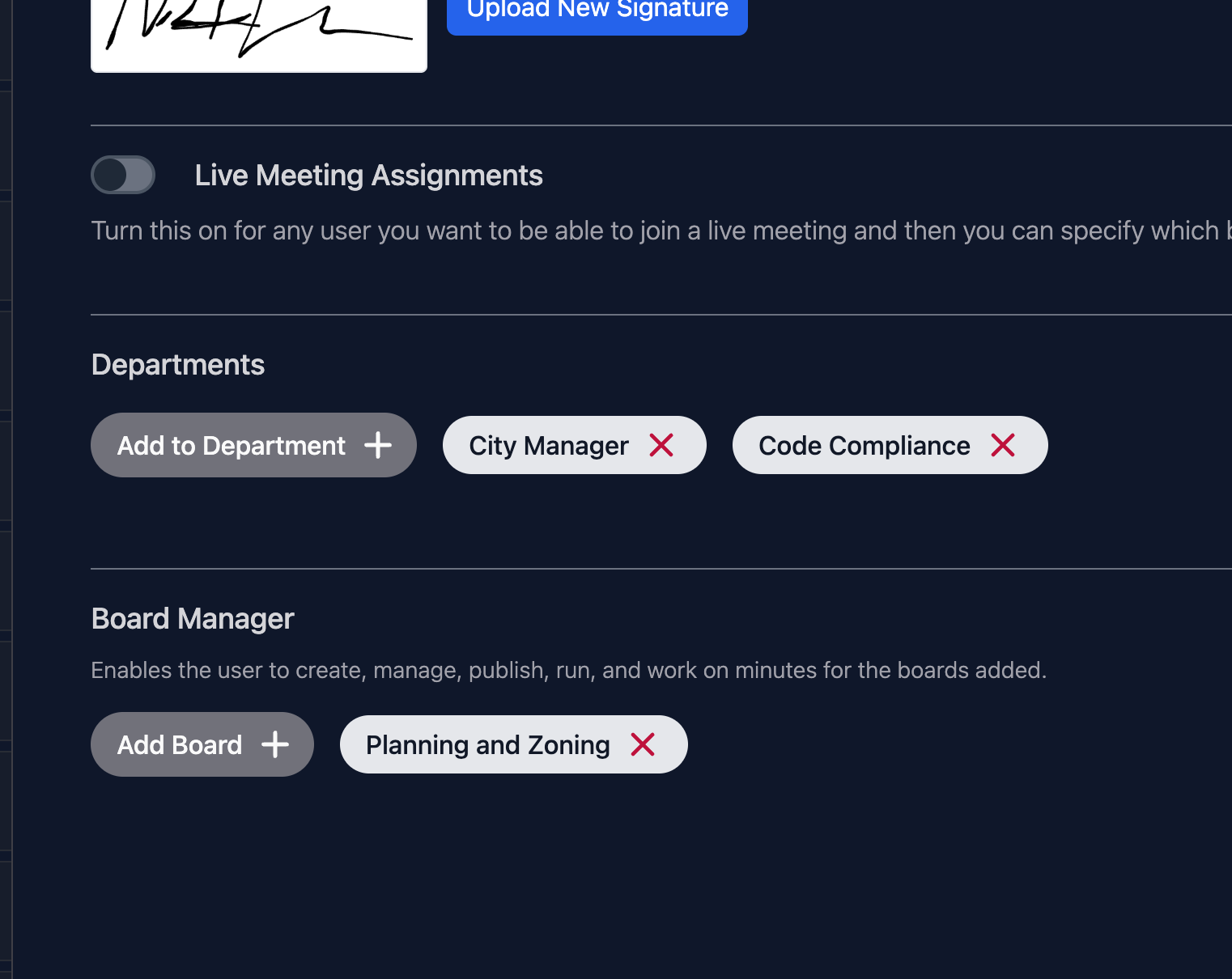
If you wish to allow this user to have access to modify the board's template make sure the "Access to Boards Setup" is also toggled on.
What can the user now do
- Create Meetings
- Manage All Aspects of Meeting
- Manage Registered Speakers
- Publish
- Run Meeting Live
- Enter Minutes and Publish Them
- Modify the template: If you've given them access to board setups