Overview
The board member portal is a place for your board members to review agendas, take notes, and annotate over attached documents.
Meetings
When you first login you will arrive at the meetings section. From here you can easily click and review agendas and minutes.
You have two filtering options at the top allowing you to filter by "Type" and "Year". In addition you can type at the top of each column to quickly and easily filter down the list of meetings to quickly find the exact one you are looking for.

Agenda Details
To access agenda details simply click on "Agenda" for that meeting and it will open the fully digital version of the agenda.

Topic Details
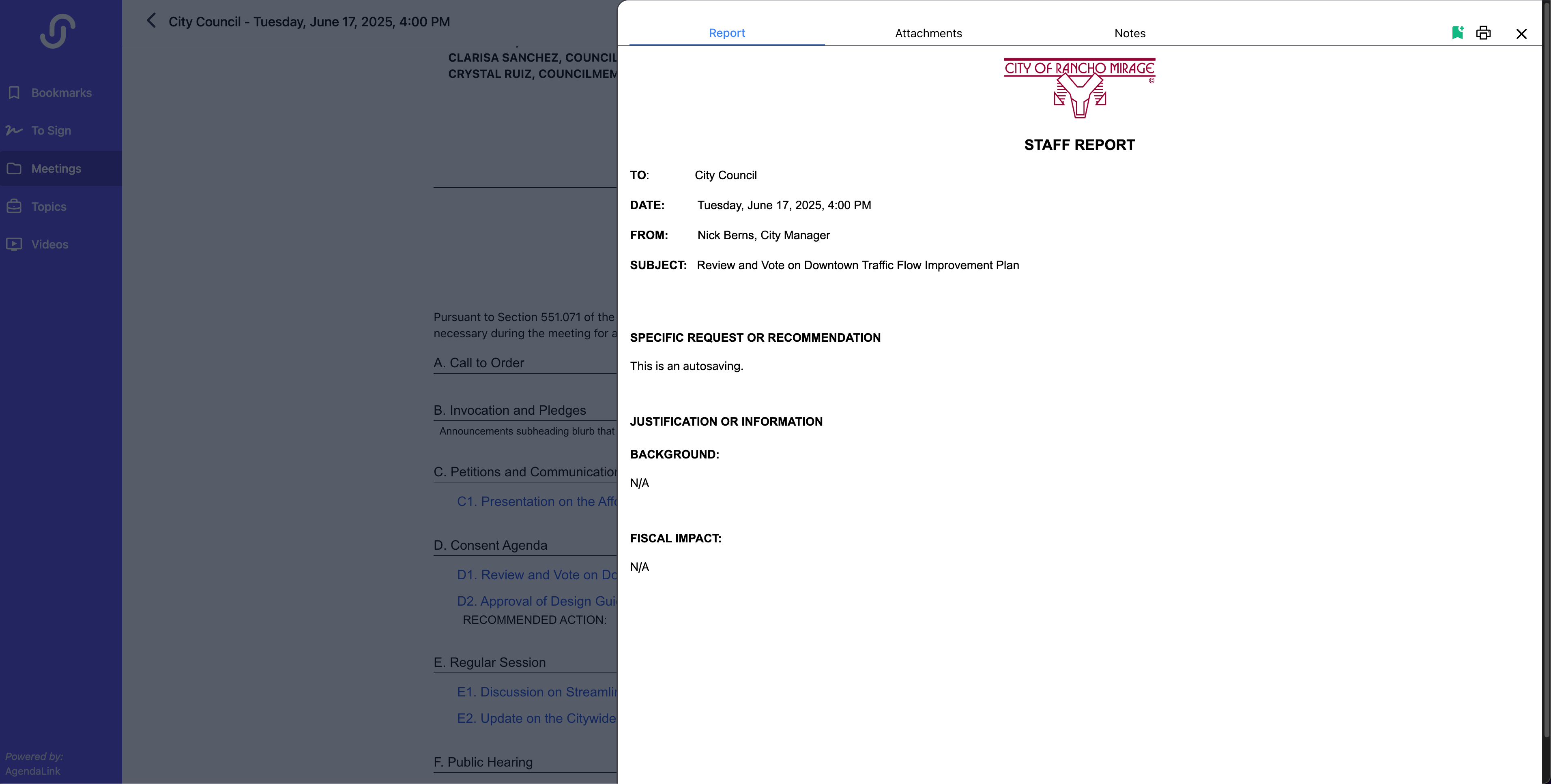
To review information about a specific topic, take notes, or annotate / comment on individual attachments simply click the title of that topic and it's details will slide out. To easily access this topic at any time without having to remember what agenda it's on or where it's at in the agenda click the green bookmark icon at the top right of the slide out.
Each topic will have 3 sections.
Report: This section will contain the report for that item created by staff (if applicable). It will let you know if there's no report available for the item.
Attachments: Here you can review all attachments for this topic. If there is more than one topic you can access each file individually by using the dropdown at the top above the pdf.

While reviewing PDFs you have the ability to annotate and comment on any document using the Acrobat Reader Annoation Tools menu on the left side of the document. Anything you add to the document is not visible by anyone else.
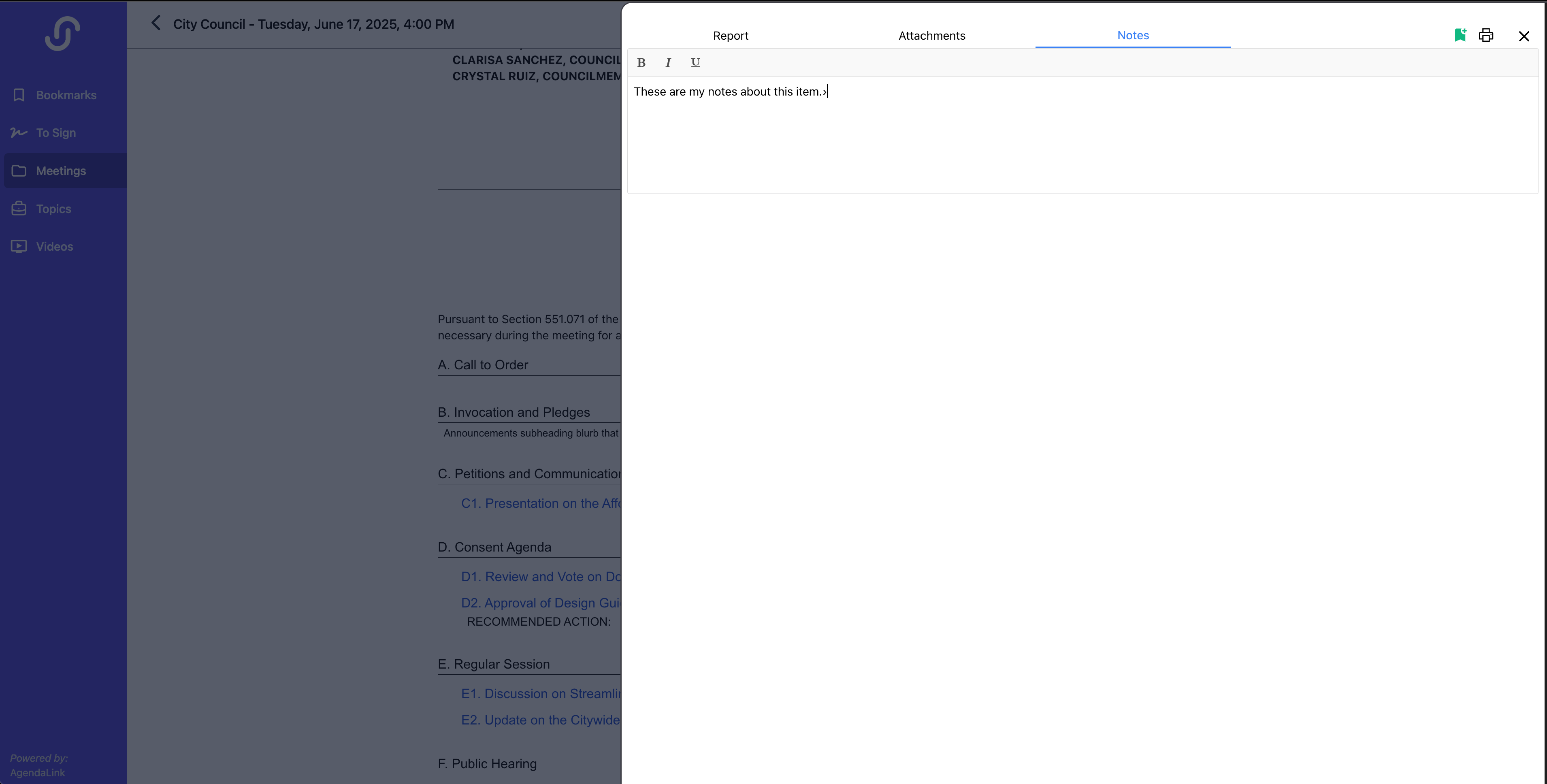
Notes: Simply type any notes you want to keep about this item. Any notes typed in are only available to you with no access to anyone else.
Bookmarks
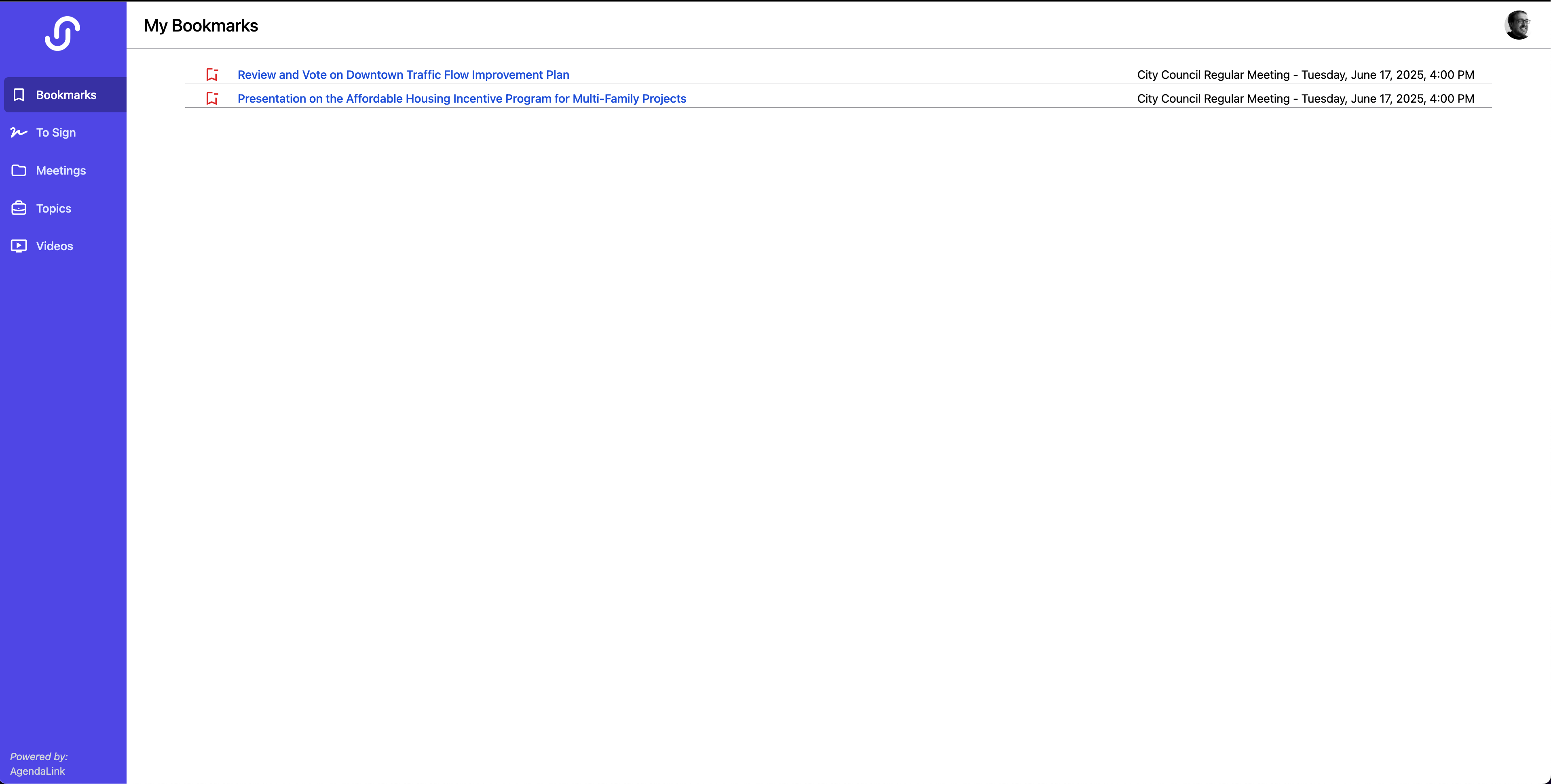
This section will show you all topics that you've bookmarked along with what meeting it was on. To access the topics information simply click on the title. You can also remove a bookmark by pressing the red bookmark minus icon to the left of the title.
To Sign
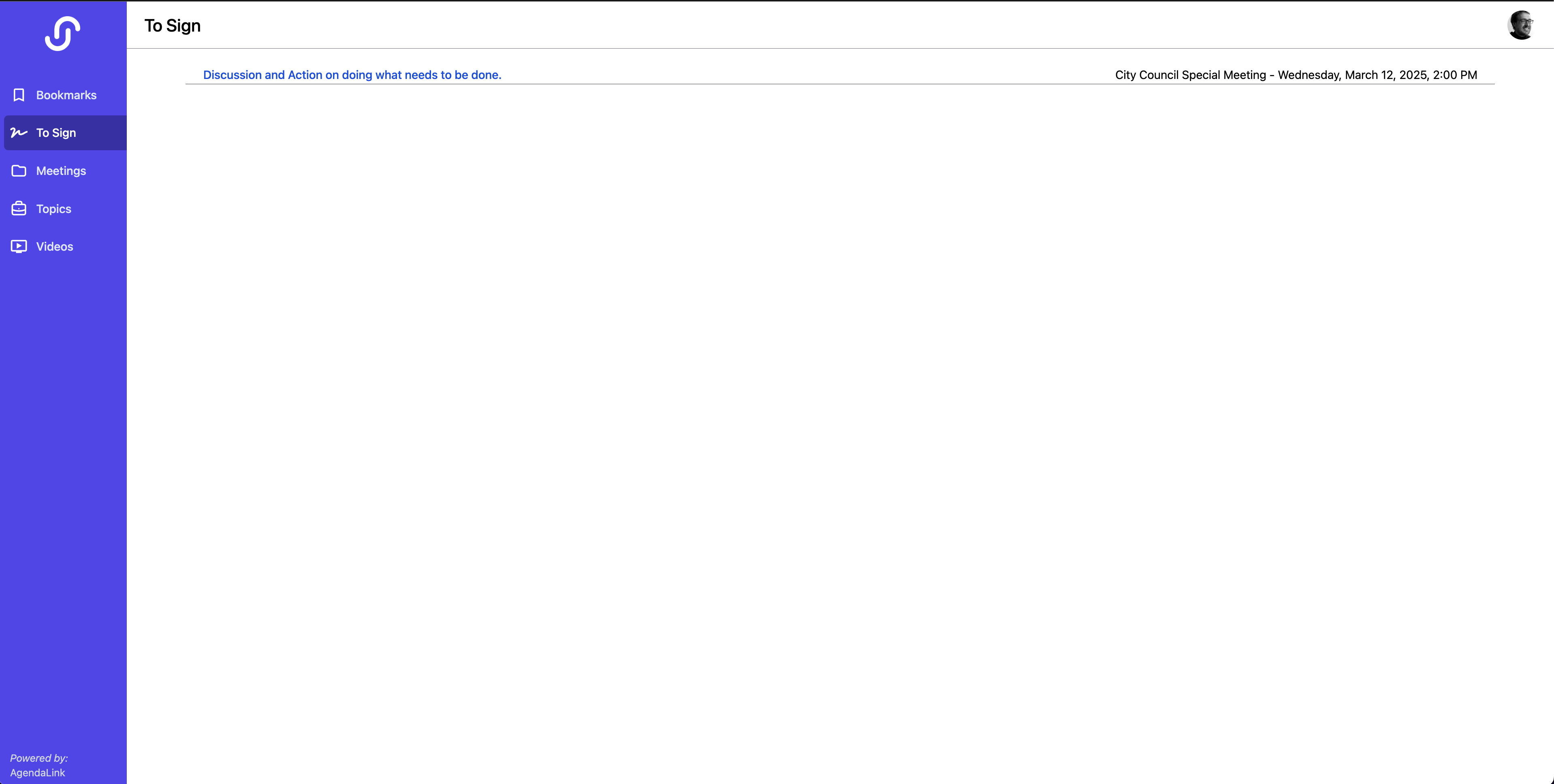
If you are using the ability to have board members sign documents, any report you have requested to be signed by that board member will appear here. They can click each item to open it's details and insert their signature where needed.
Topics
From the topics section you can search through all the agenda topics available to the board member (past and present). Simply type what you are looking for and it will return the results of the search with it's title, what meeting its on and that meetings date.
If you are using our Historical Data AI add-on searching will also return results from all your historical data brought into JustMeetings. If a topic is from your archive it will notate that on the right side of the result.
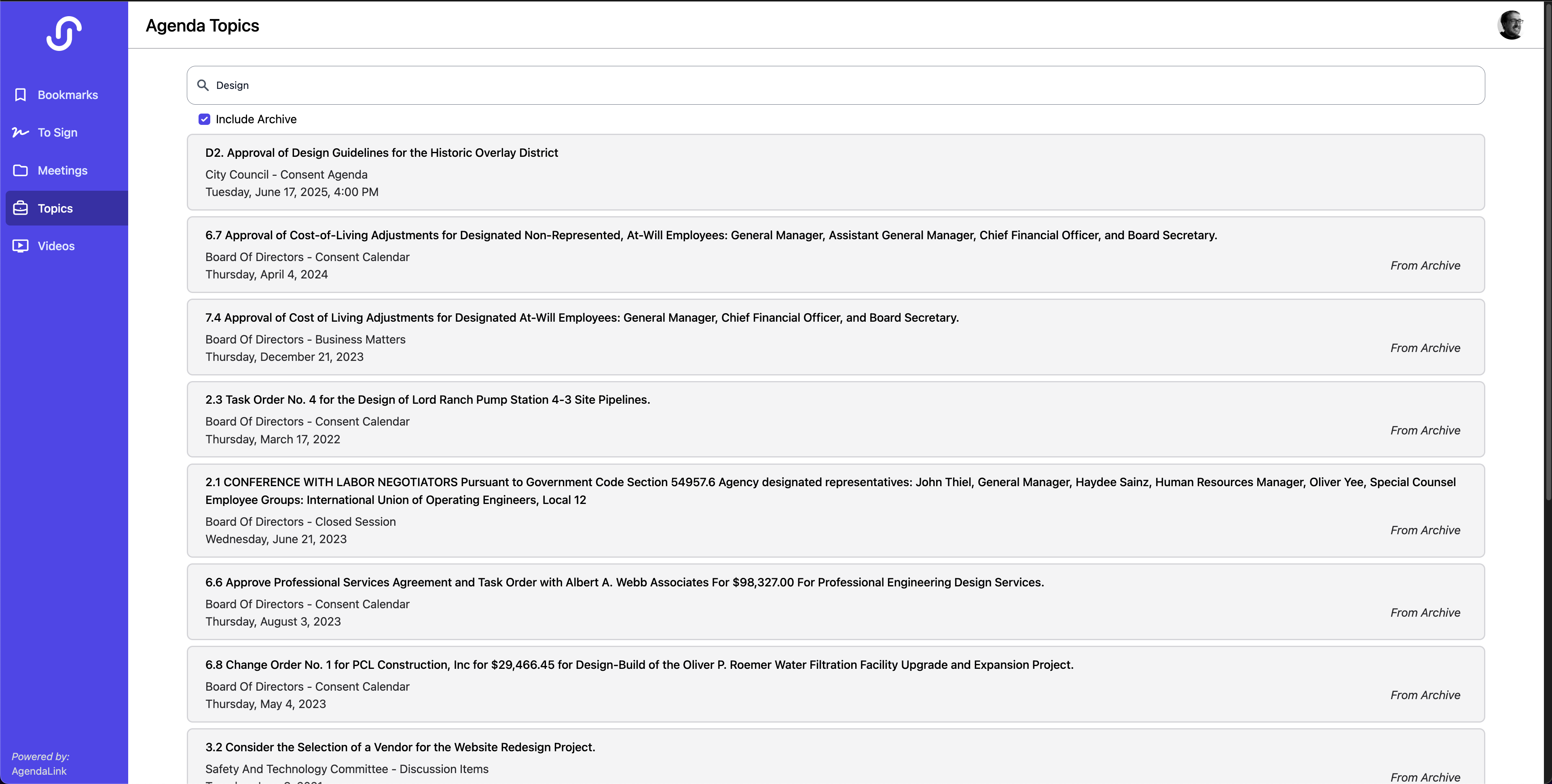
To view the details of an item returned in the search simply click on it and the details will slide out.
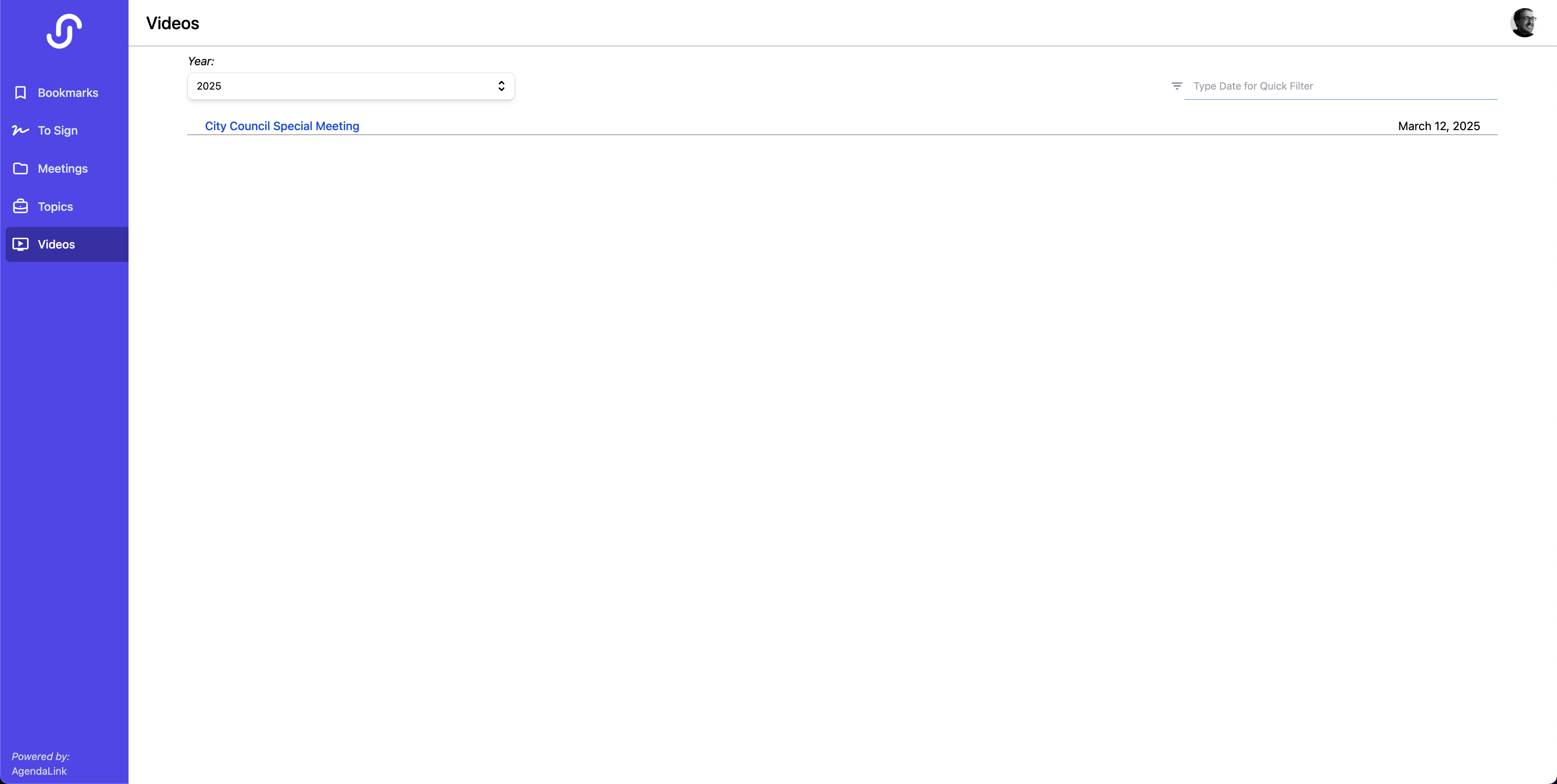
Videos
From here board members can quickly open any meeting that has a video associated with it. The JustMeetings player will open allowing them to watch the meeting back.