Approval Processes
Using approval processes allows you to design a user by user review process for how agenda topics go from creation to ready for the published agenda.
Creation
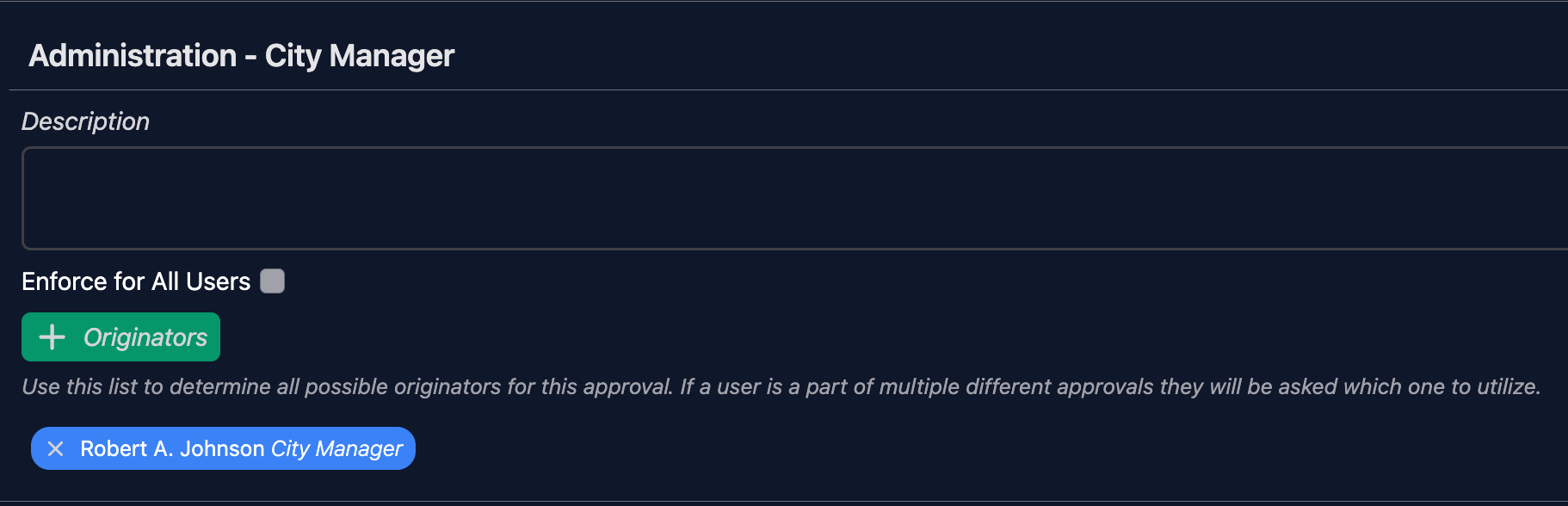
When you add a new approval process first you want to set the name of that process.
Originators
To add specific users that this process will apply to, click the "Originators" button and choose the user. You can add as many originators as you wish. Or if you want this process to be something that can be applied for any user, simply check the box next to "Enforce for All Users".
Adding Boards
The next step in the building process is to choose which boards this process will apply to. You can choose from as many different boards as you wish and each board can have it's own set of approvers.
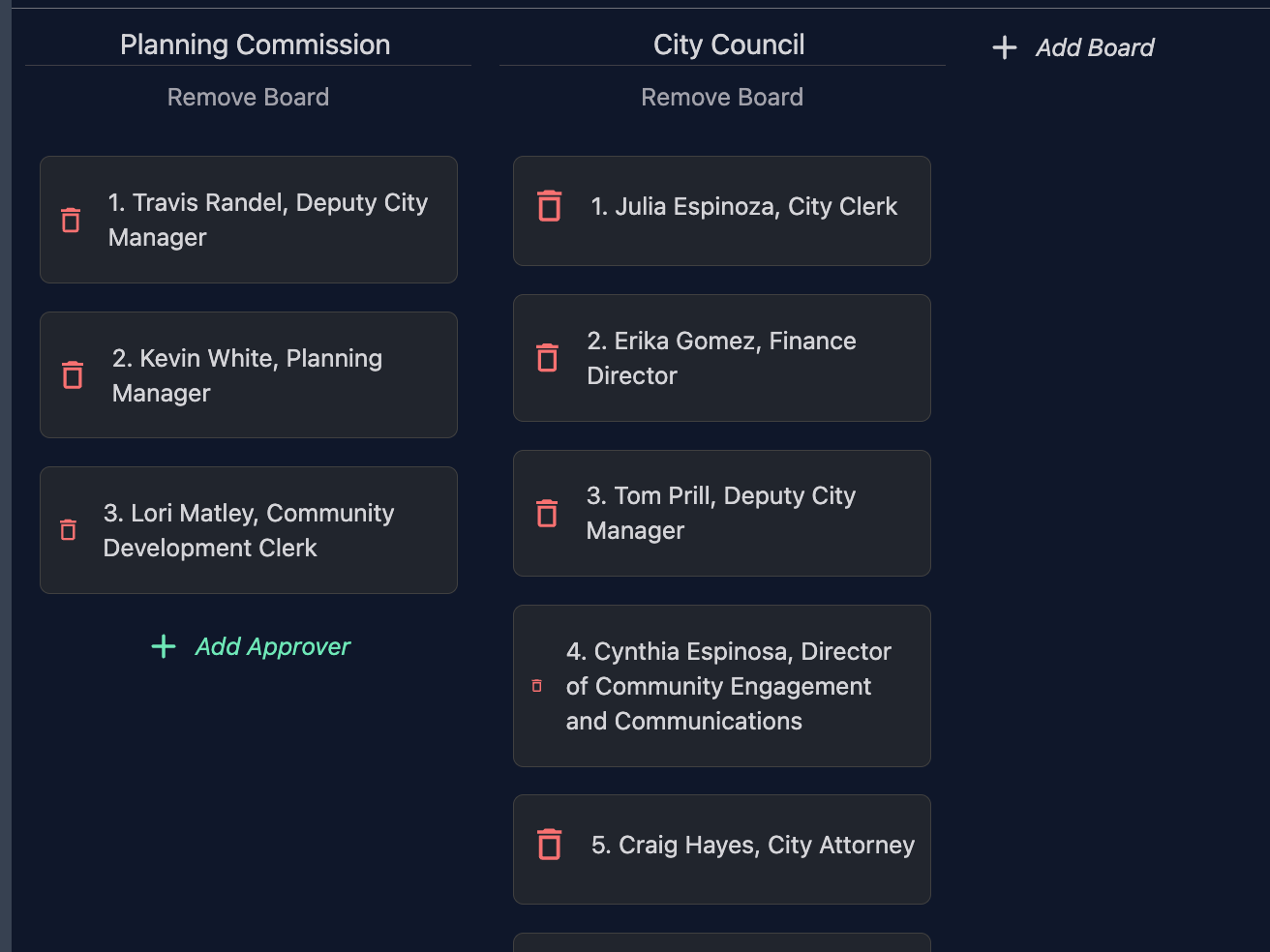
There is also an option for "Any Not Listed". Adding this allows you create an approval process that can be applied to any other board in the software that isn't listed on it's own for the process.
Adding Approvers
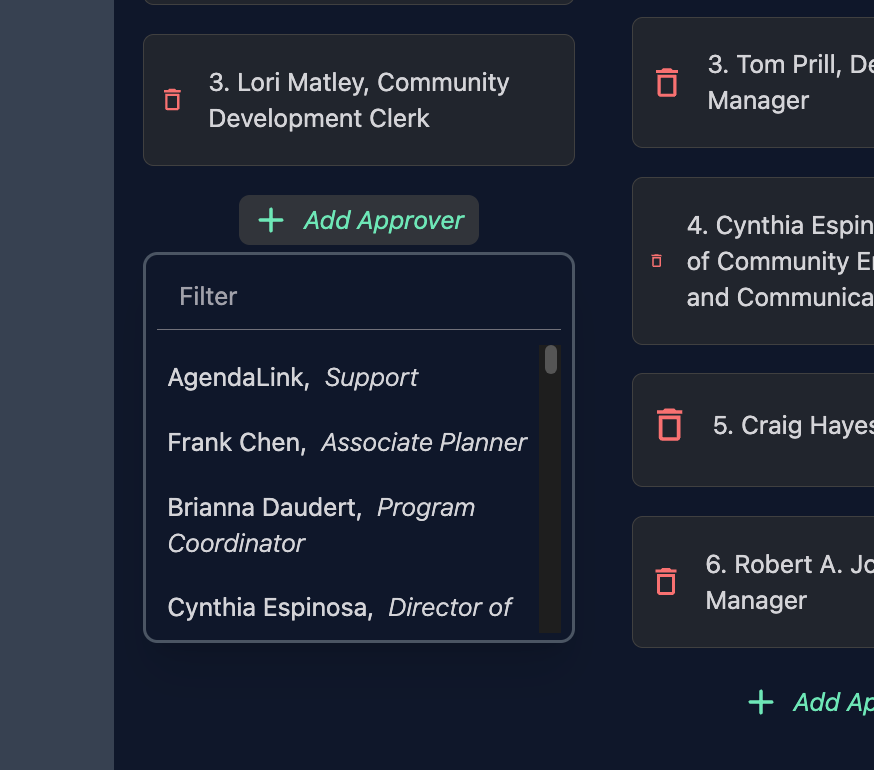
Now that you have a board added, it's time to start putting together the order of approvers. To add someone to the list simply click "Add Approver" and choose from the list of users. (Note, you can also easily filter the list by typing in the filter)
Secondary Approvers
If you hover over any of the approvers you will see a button appear to "Add Secondary". By clicking this, you can add additional secondary approvers to this step. That means when a user chooses this step it will not only assign to the user and notify them, but also notify the secondary approvers. Either the primary or secondary can then approve.
Modifying an Approval
You can go back into any approval and modify it whenever you wish. Changes to the approval will take immediate effect.
- You can re-order the list simply by dragging and dropping
- To remove any approver from the list click the red trash icon