Overview
The Board Virtual link allows board members to easily join a board meeting from their own device.
Setting the Passocde
The first step is to get the url and set it's passcode. To acheive this you want to first go to the meeting.
- Next Click "Edit" -> "Meeting Properties" and scroll down to the Board Virtual information.
- There must be a passcode set for the meeting and it can be changed at anytime using the "Generate Passcode" button.
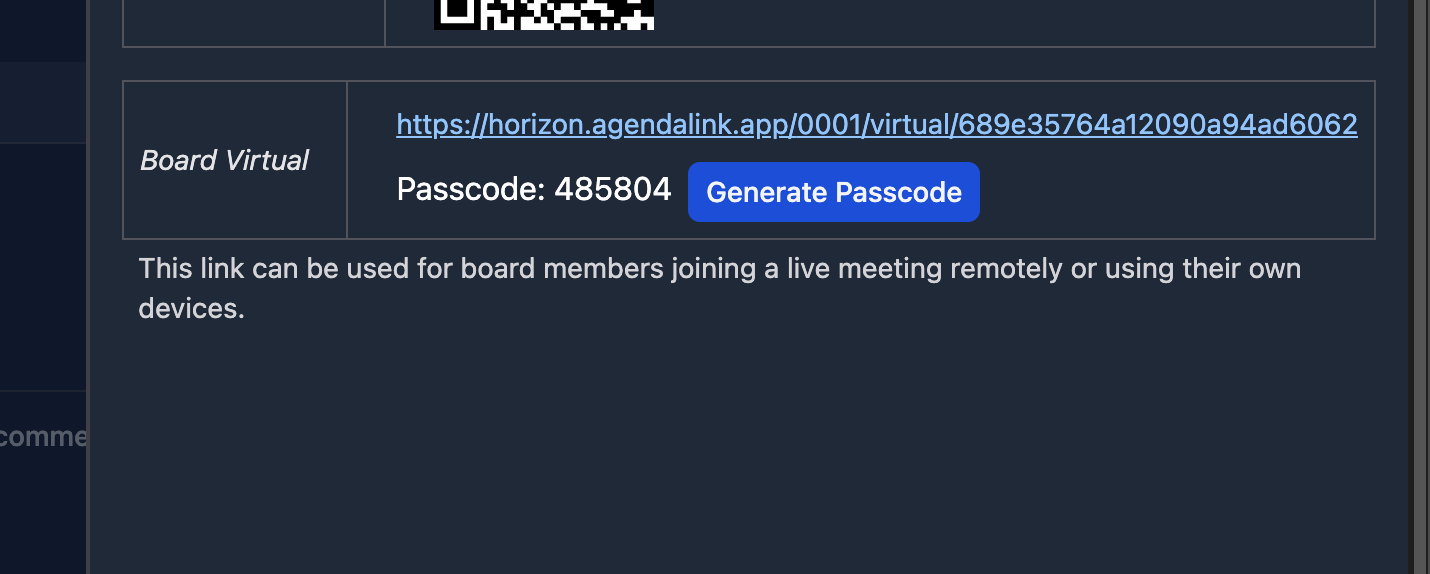
You can now send this info out to your board members.
Joining the Meeting
When the board member opens the url it will first check if you have the meeting active. (Test mode works too).
If the meeting is active it will ask them for the passcode. Once they have entered their passcode it will then ask them for their email address.
The email address will verify them within the software and set the virtual link to the correct seat number based on the active meeting's board assignments.
They are now ready to take part in the meeting and will be allowed in once the user running the meeting has pressed the green "Login Members" button.