Mentions
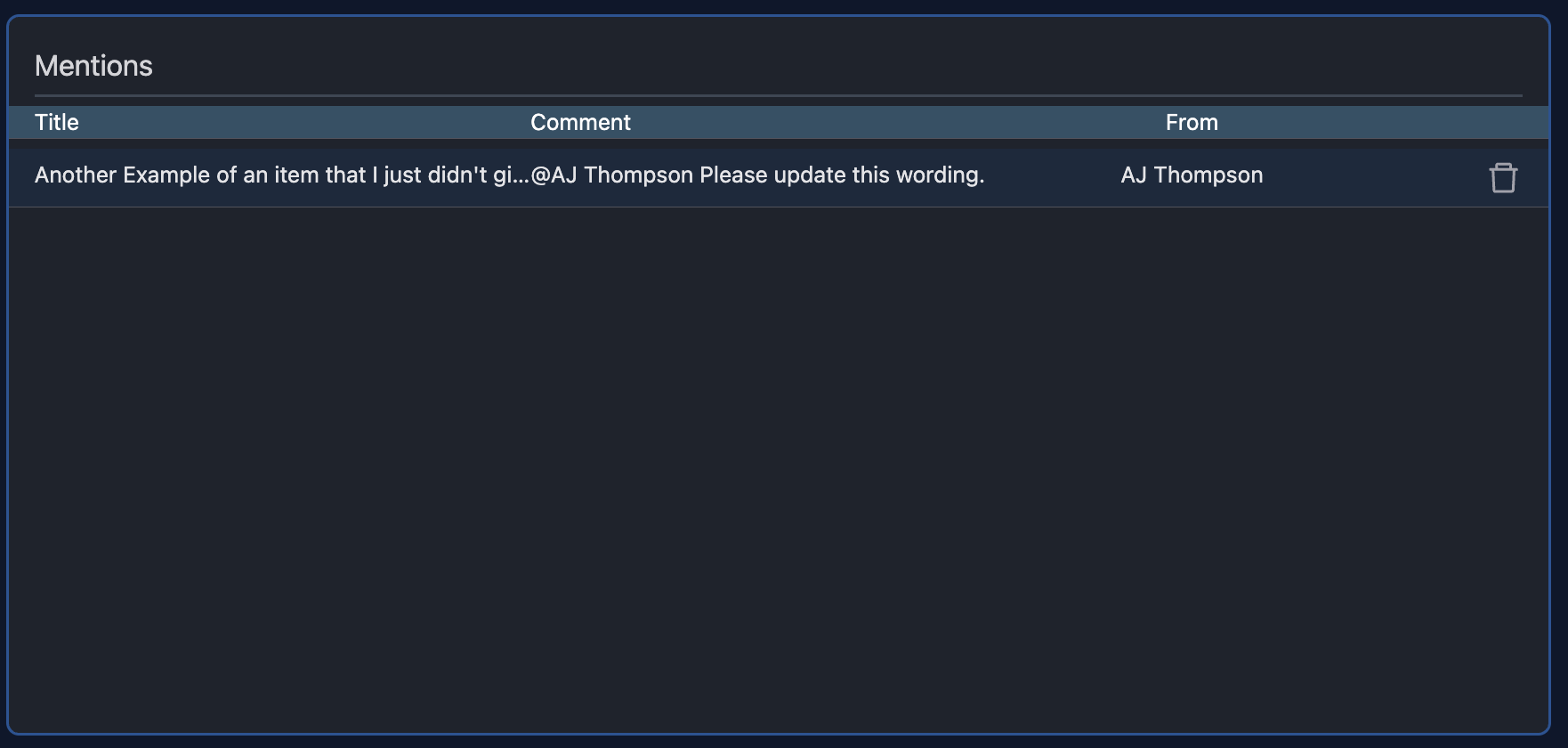
Anytime you are mentioned in the editor for a topic, it will show up in the list.
Reviewing Items
Each item in the list will tell you it's title, a brief view of the comment, and who mentioned you.
Deleting Mentions
To delete a mention from the list simply click the trash icon on the right side of the mention in the list.
Click to Review
You can easily review any topic by just simply clicking on it. This will open the item and you can then close it by clicking on the X at the top right of your screen (or by pressing "File" -> "Close").