Overview
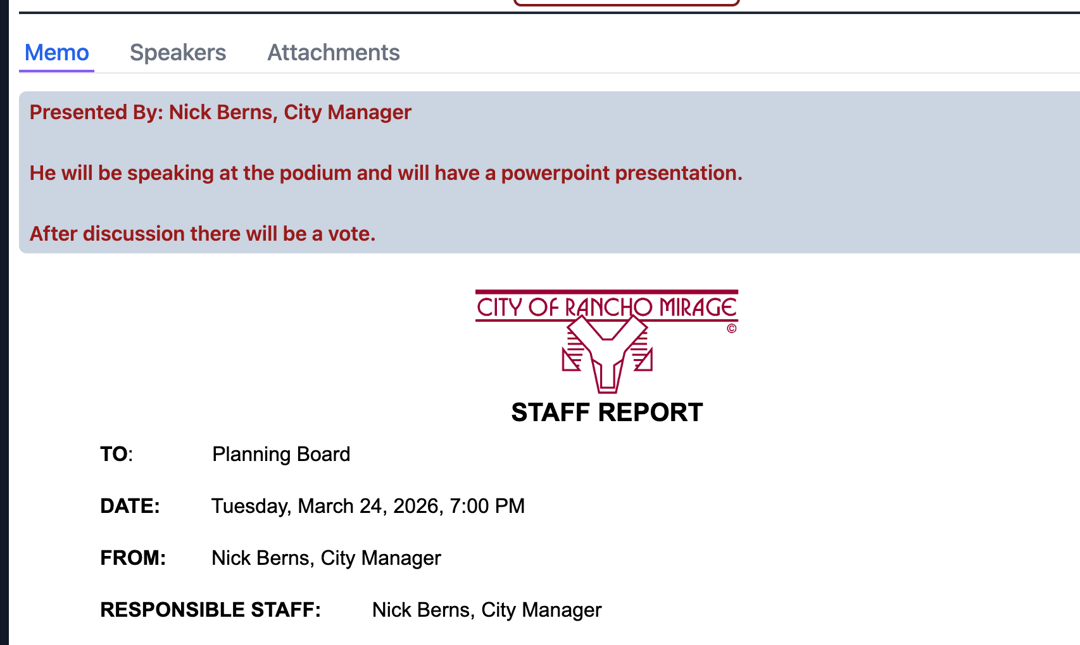
Play by Play allows you to provide additonal context for any item to staff and board members. This information is also available to board members via the board portal and during a live meeting.
Entering Information
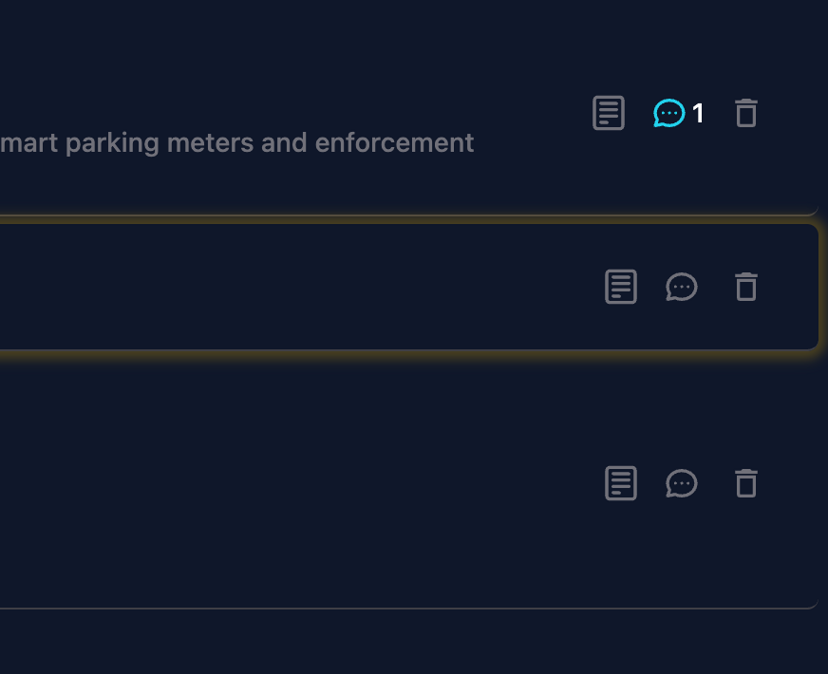
To enter play by play information on a topic you want to click on the little document icon to the right of the topic's title from the meeting building view.
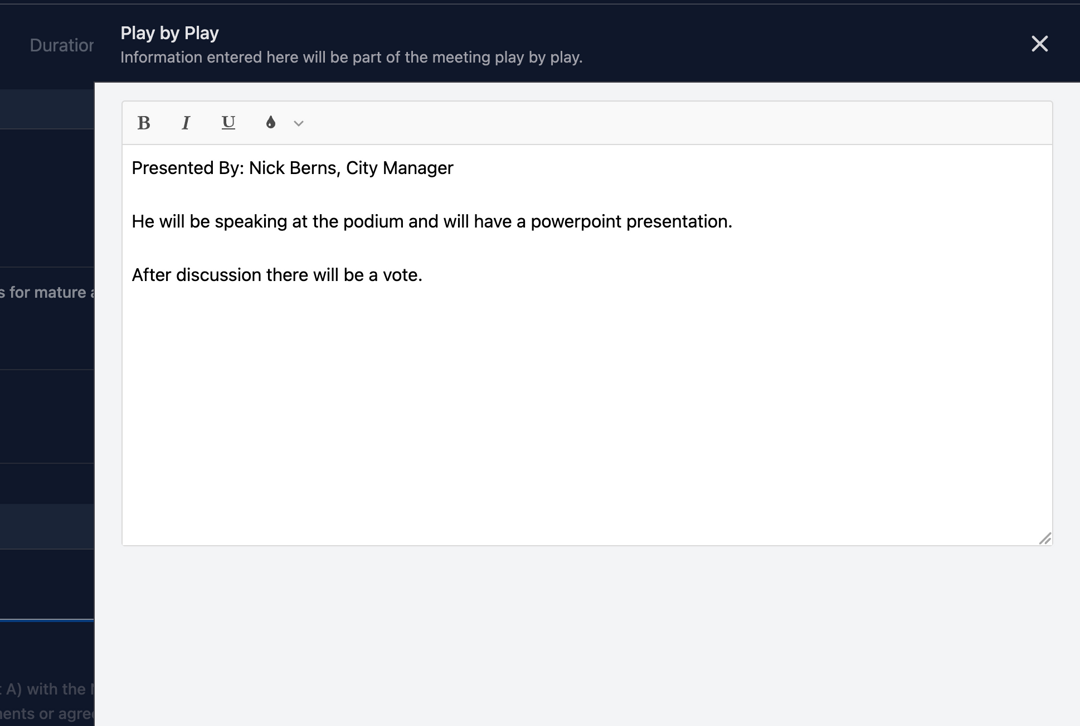
Once pressed a slide out will appear where you enter the information desired.
Viewing the Play by Play
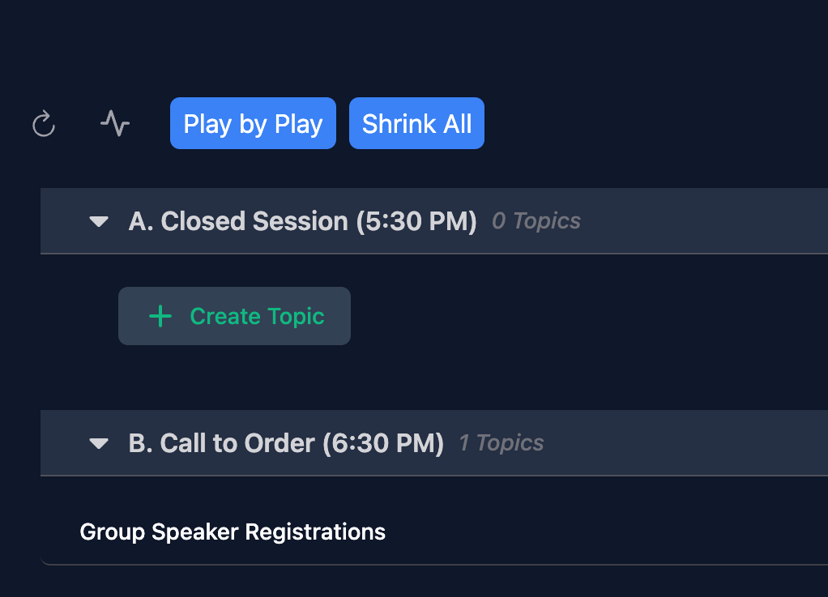
To view the play by play document from the meeting building page simply press the "Play by Play" button at the top.
Once pressed you will see the full play by play document which is your agenda with the play by play information underneath each topic highlighted for clear understanding.
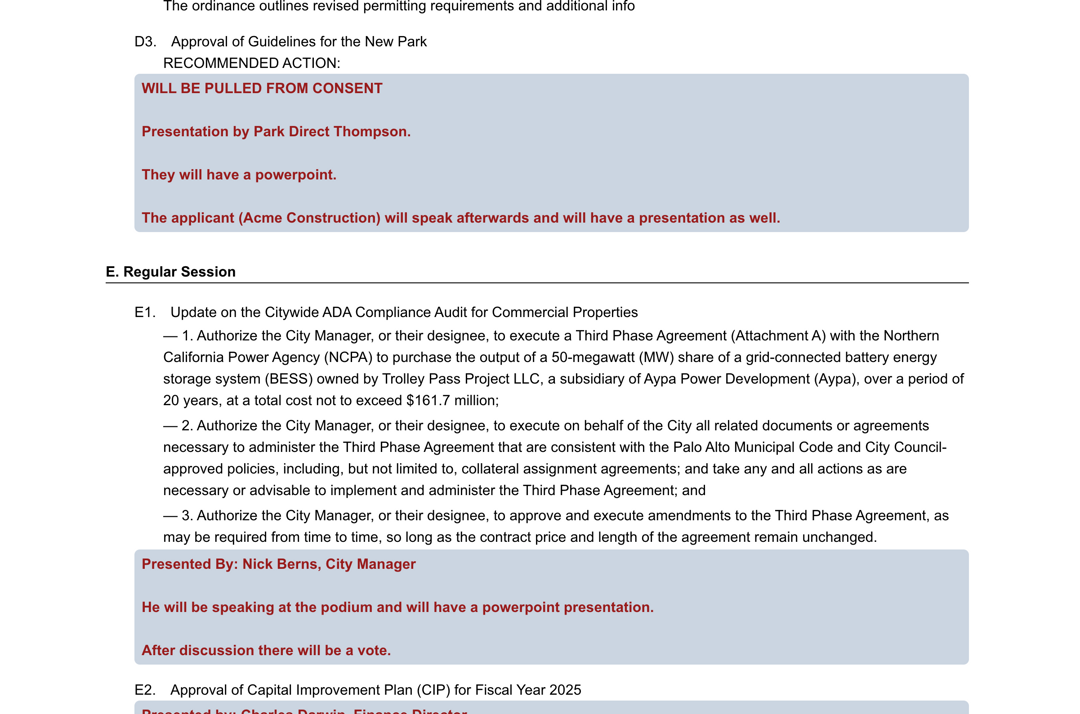
This same view is provided to board members automatically when viewing agenda via the Board Portal.
Live Meeting
During a live meeting this same information is available when previewing agenda items and also when you are on an item with play by play.
- When a board member clicks a card on the left side to preview a topic's information the play by play information (if available) appears right above the report.
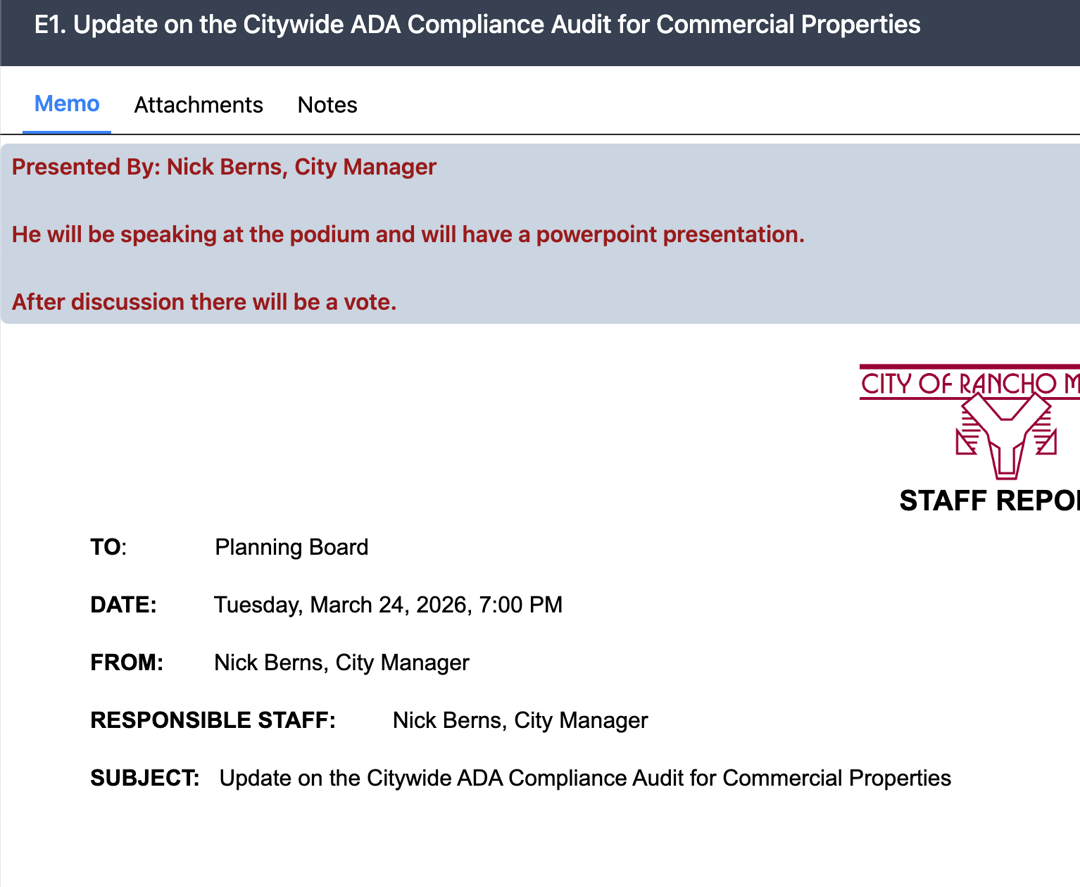
- When on a topic with information it appears in the middle of the screen right above the report.