Assigned Inbox
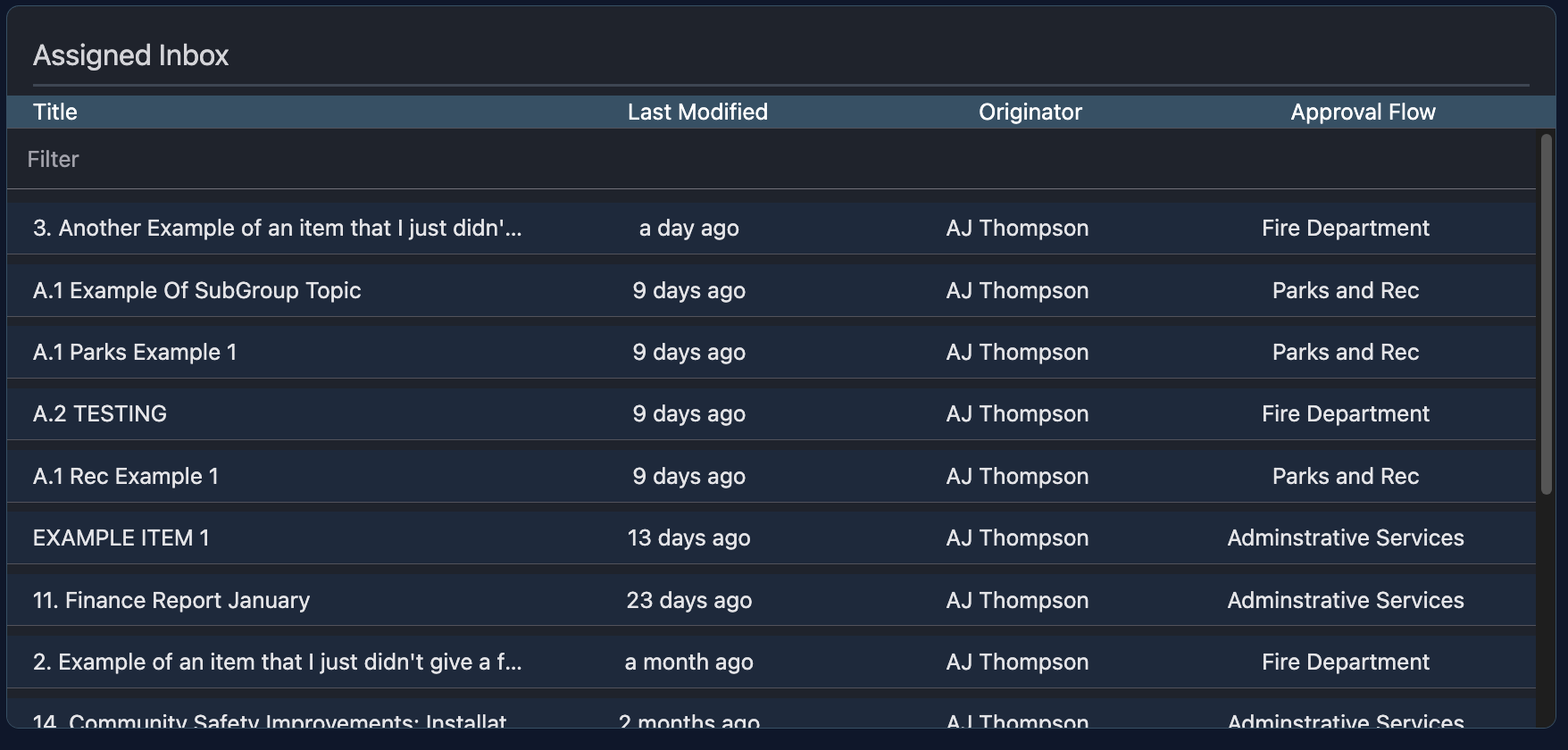
The assigned inbox consists of all the topics currently assigned to you.
Reviewing Items
Each item in the list will tell you it's title, the last time it was modified, who created it, and what approval process it's going through.
Filter
You can use the filter at the top of the table to quickly search and find a specific topic to review if you have a large amount of items in your inbox.
Click to Review
You can easily review any topic by just simply clicking on it. This will open the item and you can then close it by clicking on the X at the top right of your screen (or by pressing "File" -> "Close").